13 September 2026
Decide Web vs Mobile App in 3 Questions for New Zealand Teams
Use three quick questions to choose web or native. Compare trade-offs, timelines, and get multiple quotes from vetted New Zealand developers.
Decide Web vs Mobile App in 3 Questions for New Zealand Teams
Choose a web app or a progressive web app when you need broad reach, fast validation, and low upfront cost. Choose a native mobile app when your product depends on frequent daily use, deep device access (camera, GPS, offline sync), or app-store visibility. Most teams should start web-first, prove demand, then invest in native once usage patterns justify the extra cost. The sections below walk through the criteria and a checklist to apply them.
TL;DR:
- Starting with a web app or PWA usually costs less and launches faster, making it ideal for quick validation and broad reach.
- Native apps offer better performance and hardware access but require more time and resources, especially if targeting both iOS and Android.
- Web apps can handle many hardware features like cameras and location, but specialized functions like AR, Bluetooth, or biometric security still favor native development.
- App store discoverability and user retention are stronger with native apps due to ratings and home screen icons, while web apps excel in easy sharing and instant updates.
- Comparing quotes from vetted developers helps identify real costs and guides choosing the right platform based on your product’s usage patterns and hardware needs.
Table of Contents
- Web vs Mobile App: What Each Term Actually Means
- How Do Web and Mobile Apps Compare on the Metrics That Matter?
- What Do Budget and Team Skills Mean for Your Timeline?
- Which Device Features Actually Require a Native Build?
- Does Distribution Change How Users Find and Trust Your App?
- Should You Build Web-First or Mobile-First? A Three-Question Checklist
- How 5Quotes Helps You Compare Web and Mobile Options
- Our Take: Build Web-First, Earn Your Way to Native
- Get Quotes Before You Commit to a Platform
- Sources
- FAQ
Web vs Mobile App: What Each Term Actually Means
Before you weigh web vs mobile app trade-offs, get the vocabulary straight. These four terms get used loosely, and that looseness costs teams real money during scoping.
- Web app: software that runs in a browser, built with HTML, CSS, and JavaScript (often React, Vue, or Angular). No install, no app-store review. Users reach it through a URL.
- Native mobile app: built specifically for iOS (Swift) or Android (Kotlin), distributed through the App Store or Google Play, with full access to device hardware.
- Hybrid app: a native container that renders web code (HTML/JS) inside a WebView. It ships through app stores while reusing web codebases, though performance depends heavily on the framework and implementation.
- Progressive Web App (PWA): a web app that can be installed to a home screen, cache content for offline use, and in supported browsers, send push notifications, all without going through an app store, though it remains limited compared with full native APIs.
Cross-platform frameworks like React Native and Flutter sit between native and hybrid: they compile toward native components rather than rendering inside a browser view, which usually delivers better performance than a pure WebView hybrid.
How Do Web and Mobile Apps Compare on the Metrics That Matter?
Here’s the trade-off in plain terms: native apps win on raw performance and hardware access; web apps win on cost, speed to launch, and reach.
- Performance: Native apps generally load faster and feel more responsive because they compile to machine code and tap hardware directly. Web apps depend on network speed and browser rendering, which can lag on older devices.
- Device access: Cameras, GPS, accelerometers, and background processes are more reliably available to native apps; web apps get partial access through modern browser APIs, but coverage varies by browser and OS.
- Offline capability: Native apps handle offline mode natively. PWAs can cache assets and some data, but full offline reliability still trails native implementations.
- Cost and time: Web apps typically ship faster and cheaper because one codebase serves every user, with no app-store review cycle.
- Discoverability: Web apps are searchable and shareable by link. Native apps rely on app-store search and rankings, which is its own discipline.
- Security: App stores enforce review and sandboxing, adding a layer of vetting that web apps don’t automatically get.
Statistic to weigh: Nielsen Norman Group notes there’s no single best solution across native, hybrid, and web. Each trades device access and performance against reach and maintenance simplicity, and the right answer depends entirely on what your product actually needs to do.
What Do Budget and Team Skills Mean for Your Timeline?
Money and time are usually the deciding factors, more than any technical preference.
- Staffing: Web apps need JavaScript/frontend developers. Native needs separate iOS and Android specialists, or a cross-platform team fluent in React Native or Flutter.
- Time-to-market: Web apps launch the moment code is deployed. Native apps wait on app-store review, which can add days to the release cycle, every single update.
- When cross-platform helps: If your feature set is mostly UI and data display, Flutter or React Native cuts duplicate work substantially versus writing two native codebases.
- When native specialization matters: Heavy camera work, AR, or tight hardware integration usually still performs better with dedicated native code per platform.
- Ongoing maintenance: Budget for OS updates, app-store policy changes, and device fragmentation testing. Web apps carry lighter ongoing maintenance since there’s no multi-platform version sprawl to manage.
Pro Tip: Get quotes for both a web-first MVP and a native build before committing. Comparing real numbers side by side, through a service like 5quotes’s app development quote tool, often reveals that the cost gap is smaller (or larger) than assumptions suggest.
Which Device Features Actually Require a Native Build?
Not every “we need native” claim holds up under scrutiny. Some do. Many don’t.
- Reliably available to web apps: camera capture (via browser APIs), location (with permission prompts), push notifications on supported browsers, offline caching through PWAs.
- Still native-only or native-favored: background location tracking, Bluetooth peripheral pairing, advanced AR (ARKit/ARCore), biometric authentication tied to OS-level security, and sustained real-time media processing.
- Performance on constrained devices: Native apps leverage device hardware directly, which shows up most clearly on older or budget phones where a heavy web app can feel sluggish while a native equivalent stays smooth.
- Testing complexity: Native means testing across iOS and Android versions, screen sizes, and OS updates separately. Web apps still need cross-browser testing, but the matrix is usually smaller.
Statistic to weigh: mobile devices now account for a majority of global website traffic, according to Statista’s tracking of mobile traffic share. That means your “web app” almost certainly needs to perform well on a phone browser regardless of whether you ever build a native version.
Does Distribution Change How Users Find and Trust Your App?
Distribution shapes acquisition just as much as feature quality does.
- Web apps win on discovery: they’re indexed by search engines and shareable via a simple link, no download friction.
- Native apps win on retention signals: app-store presence, ratings, and home-screen icons create daily-use habits that a browser tab rarely matches.
- ASO matters for mobile: app-store optimization, covering keywords, screenshots, and review velocity, functions like SEO for app stores; smaller teams can lean on ASO-specific guidance to compete without a huge marketing budget.
- Update flows differ sharply: web apps update instantly server-side; native updates require user action and app-store approval, which slows adoption of fixes and features.
- Security and compliance: app stores enforce data-handling and payment policies that add scrutiny, but also add legitimacy in categories like finance or health where users expect that vetting.
Should You Build Web-First or Mobile-First? A Three-Question Checklist
Run your project through these three diagnostic questions before writing a line of code.
- How often will users open this in a given week? Daily or near-daily use favors native or a PWA installed to the home screen. Occasional or one-time-task use favors a plain web app.
- Does the core feature depend on hardware the browser can’t fully reach? If yes (offline-first fieldwork, AR, sustained background tracking), plan for native or hybrid from the start.
- Does discoverability matter more through search or through an app store? Content-heavy or B2B tools usually win more from SEO; consumer habit-forming products often need app-store presence to build trust and retention.
Scenario guidance: an MVP testing a new idea should launch as a web app or PWA to validate demand cheaply, a sequence backed by product guidance. An ecommerce storefront usually does fine as a fast web app with strong mobile responsiveness. A high-retention consumer app (fitness, social, habit tracking) tends to need native for push notifications and daily engagement. A hardware-heavy tool (logistics scanning, AR try-on) needs native or hybrid from day one.
Pro Tip: Track first-use friction and retention curves before deciding to build native. If users aren’t returning even in a fast web app, the platform usually isn’t the problem, the product is.

How 5Quotes Helps You Compare Web and Mobile Options
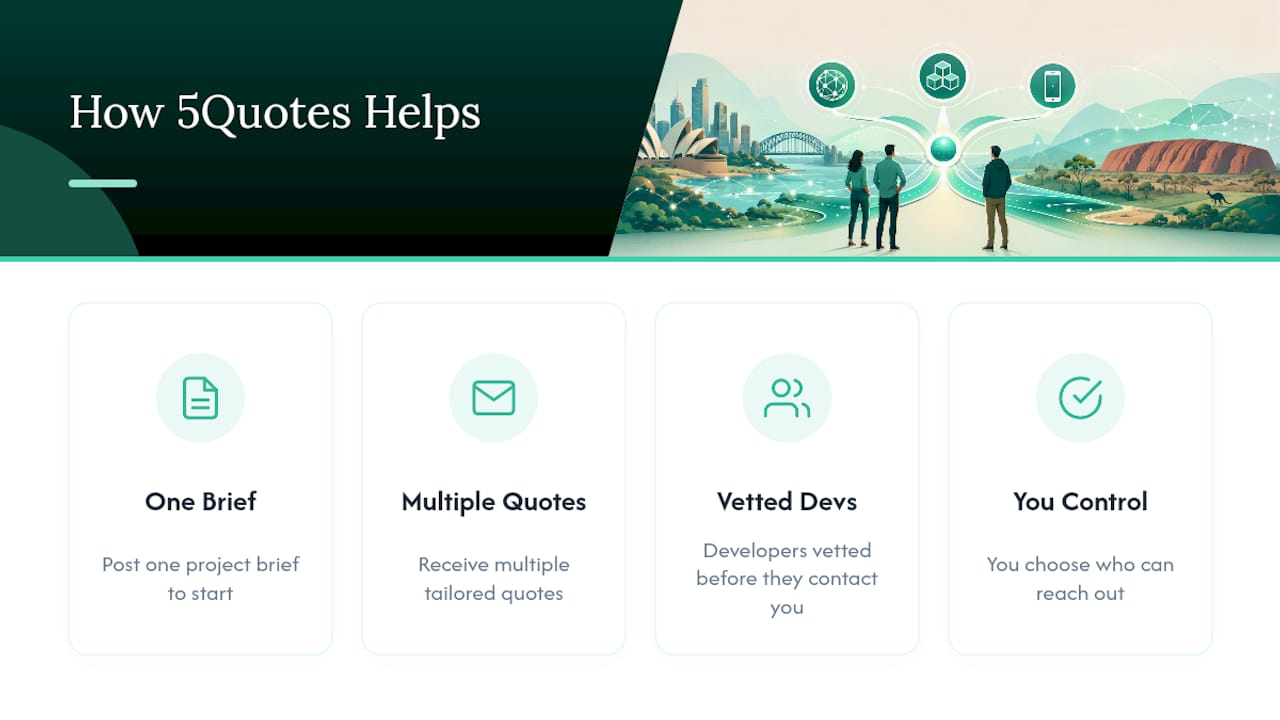
Working through this decision alone is hard, especially when quotes from developers vary wildly in scope and price. You can connect with vetted developers and receive multiple tailored quotes after posting one project brief, whether that’s a web app, a PWA, a hybrid build, or a fully native mobile app. You stay in control of who contacts you, developers go through a vetting process before they can reach out, and you get comparable quotes instead of guesswork.
Our Take: Build Web-First, Earn Your Way to Native
Most teams overbuild before they’ve proven anything. A web app or PWA gets you real usage data at a fraction of native’s cost. Move to native when retention, hardware needs, or app-store visibility actually demand it, not before. If scoping that decision feels murky, get quotes before you guess.
— 5Quotes
Get Quotes Before You Commit to a Platform
Deciding between a web app and a native build shouldn’t happen in a vacuum, and it definitely shouldn’t happen based on one developer’s opinion. A platform provides a faster, lower-risk way to compare real options: post your project once, and receive multiple tailored quotes from vetted developers, without a flood of unsolicited sales calls.
If you’re leaning web-first, start with 5quotes’s web app development page to see what a browser-based build typically costs. If your product needs deeper hardware access, the mobile app development page covers native and cross-platform options, including Flutter builds for teams weighing hybrid speed against native performance. Not sure yet which direction fits your project? Browse 5quotes’s full service list and post your brief. You’ll get comparable quotes back, usually within days, so you can decide with real numbers instead of assumptions.
Sources
- Mobile: Native apps, web apps, and hybrid apps (Nielsen Norman Group)
- What is a progressive web app? (MDN Web Docs)
- Native apps vs web apps vs hybrid apps (openlab BMCC)
FAQ
Which Is Better, a Mobile App or a Web App?
Neither wins outright. A web app is better for reach, cost, and speed to launch; a native mobile app is better for frequent use, offline reliability, and deep device access.
Why Isn’t PWA More Popular Yet?
PWAs still face inconsistent support for push notifications and background features across browsers, and they lack an app-store presence, which limits the discoverability boost many mobile products rely on.
Is It Better to Have a Website or an App?
For most businesses, a responsive website (or web app) covers the majority of use cases at lower cost; add a native app only once usage data shows users need it daily or need offline/device features a browser can’t deliver.
Is It Safer to Use an App or a Website on Your Phone?
Native apps go through app-store review and sandboxing, which adds a layer of vetting; well-built web apps using HTTPS and modern security practices can be just as safe, but the app-store screening process gives native apps an extra checkpoint.
How Do I Decide Between Web-First and Native for My Project?
Ask three questions: how often will people use it, does it need hardware the browser can’t reach, and does discoverability depend more on search or app stores. Services like 5quotes can help you get comparable quotes for either path before you commit.
Recommended
Read next
Getting this built?
Tell us what you need and compare up to 5 quotes from developers who do this work.
Get quotes