9 September 2026
4 Essential Clauses in a Software Maintenance Contract
A drafting first guide to software maintenance contracts with ready to use clause snippets, a vendor agnostic checklist, and why a code health audit matters.
4 Essential Clauses in a Software Maintenance Contract
A software maintenance contract is a binding agreement that guarantees defined support, updates, and response and resolution targets for software already in production. It exists to stop maintenance from becoming a guessing game: instead of hoping a developer answers your call when something breaks, you have a written promise about how fast they will respond and what they will fix for a set fee. Businesses running any software they didn’t build themselves, from a customer-facing app to an internal tool, typically need one before that software becomes mission-critical.
TL;DR:
- Response times for critical issues should be as fast as one hour if downtime impacts revenue or user trust, rather than accepting eight hours or more.
- The contract must clearly define which maintenance types are included and specify that new feature development is outside scope, with separate SOW procedures.
- An SLA should categorize issues into severity levels with enforceable response and resolution windows, complemented by a defined escalation path.
- Auto-renewals should require client notice 30 to 60 days beforehand to prevent unintentional long-term commitments, especially for software reliant on third-party platforms.
- Conducting a code-health audit before signing ensures a clear baseline, reveals technical debt, and prevents disputes over what constitutes a fix versus a rebuild.
Table of Contents
- What Does a Software Maintenance Contract Cover?
- Core Sections Every Software Support Agreement Needs
- How Do You Set SLA Response and Resolution Times?
- How Do You Stop Scope Creep in a Maintenance Agreement?
- What Pricing Models Work Best for Ongoing Support?
- What Happens When a Maintenance Contract Lapses or Ends?
- Who’s Responsible for What in a Maintenance Contract?
- Why Does a Code-Health Audit Matter Before You Sign?
- Software Maintenance Contract Checklist and Template
- Negotiation Priorities Worth Fighting For
- Get Maintenance Quotes From Vetted New Zealand Developers
- Sources
- FAQ
What Does a Software Maintenance Contract Cover?
Most contracts split work into four recognized categories, and knowing which one applies to a given request keeps both sides honest about what’s included.
Corrective maintenance fixes bugs and defects after release. A checkout button that fails on Safari, a report that miscalculates totals, a login flow that times out. This is the bread and butter of any support and maintenance agreement, and it’s usually the fastest-turnaround work in the contract.
Adaptive maintenance keeps software working as its environment changes. An iOS update breaks a camera integration, a payment gateway deprecates an API version, a hosting provider forces a PHP upgrade. None of these are bugs in your code. They’re the code failing to keep pace with the world around it.
Perfective maintenance improves something that already works. Faster page loads, a cleaner admin interface, better error logging. It’s optional by definition, which is exactly why it belongs in a separate line item rather than lumped in with corrective fixes.
Preventive maintenance heads off failure before it happens: refactoring brittle code, updating dependencies with known vulnerabilities, adding monitoring. It’s the least glamorous category and the one most often skipped, which is also why it’s the one most worth insisting on.
A typical software support agreement bundles these into recurring services:
- Security patches and dependency updates
- Uptime and performance monitoring
- Automated or manual backups with tested restore procedures
- Minor bug fixes within an agreed monthly hour allowance
- Periodic health checks or log reviews
- Access to a technical contact during defined support hours
The pricing model usually follows the mix. If your software is stable and rarely breaks, a per-incident model, paying only when something goes wrong, can be cheaper over a year. If it’s actively used by paying customers and downtime costs you money, a retainer with guaranteed monthly hours and priority response is almost always the better trade. The retainer costs more when nothing breaks, but it buys you a developer who already knows your codebase instead of one meeting it for the first time during an outage.
Core Sections Every Software Support Agreement Needs
A well-structured application support contract follows a predictable skeleton. Here’s what belongs under each heading and where the real negotiation happens.
-
Services covered. State exactly which maintenance types (corrective, adaptive, preventive, perfective) are included and which platforms or environments are in scope. The negotiation point: vague language like “ongoing support” invites disputes later. Name the application, the environment (staging and production, or production only), and the maintenance categories explicitly.
-
Exclusions. List what’s not covered as clearly as what is. This is arguably the most important section in the whole document, because it’s where scope creep gets stopped before it starts. A sample clause:
-
Service Level Agreement. Define severity tiers and response times here, or reference a separate SLA schedule (covered in detail in the next section). The negotiation point is almost always response time for the highest severity tier. Vendors want 8 business hours; clients running revenue-critical systems want 1 to 2 hours, 24/7.
-
Fees and payment terms. Specify the pricing model, invoicing cadence, and what happens with unused hours. Sample clause:
-
Term and renewal. State the initial term, renewal mechanics, and notice period for cancellation. The negotiation point is usually auto-renewal: vendors prefer it, clients should insist on a 30 to 60 day opt-out window before any renewal locks in.
-
Termination. Cover both for-cause and for-convenience termination, and what happens to outstanding work or fees. A short sample:
-
Intellectual property. Address who owns bug fixes, patches, and any custom code written under the agreement.
-
Confidentiality and data handling. Especially relevant if the provider needs access to production data or credentials.
-
Liability and warranties. Cap what the provider owes you if something goes badly wrong, and what they promise about the quality of their fixes.
Adapting these for different deployments matters more than most people expect. A SaaS contract should reference the vendor’s own release cycle and multi-tenant environment, since a single patch affects every customer at once. An on-prem agreement needs explicit language about who handles deployment windows and rollback if a patch breaks something in a controlled environment you don’t get to test in isolation. A mobile app maintenance contract needs a clause tying support obligations to app store review cycles and OS version support windows, since Apple and Google can force urgent adaptive work on a timeline you don’t control.
How Do You Set SLA Response and Resolution Times?
The Service Level Agreement is the part of the contract that actually gets enforced day to day, and it’s what separates a paid maintenance agreement from a vague promise to “help when needed.” An SLA works by classifying every reported issue into a priority tier and binding the provider to specific response and resolution windows for each one.
A workable three-tier structure looks like this:
- P1 (critical): Site down, payment processing broken, data loss risk. Response within 1 to 2 hours, resolution or workaround within 8 hours, 24/7 coverage.
- P2 (high): Major feature broken but workaround exists. Response within 4 business hours, resolution within 2 business days.
- P3 (low): Cosmetic bugs, minor glitches, non-urgent requests. Response within 1 business day, resolution within 5 business days.
Beyond the tiers themselves, a functioning SLA needs an escalation path. If a P1 ticket isn’t resolved within its window, who gets notified next, and what happens then? Most agreements name a secondary contact and a defined escalation trigger, often “no update within 2 hours of the resolution deadline,” rather than leaving escalation informal.
Pro Tip: Build a status-update cadence directly into the SLA text, not just the response and resolution times. “Client will receive a written status update every 2 hours for P1 issues until resolved” removes the ambiguity that causes most maintenance disputes.
Measuring compliance matters as much as writing the numbers down. Track timestamps for when an issue was reported, acknowledged, and resolved, ideally through the same ticketing system both parties can see. That log becomes the evidence if a dispute ever arises over whether the provider actually met its targets. Without it, you’re arguing from memory against a vendor’s invoice.
The practical lesson from most maintenance disputes is that vague “best-effort” language is where trust breaks down. A written severity table with enforceable numbers, and a shared way to measure against it, is what actually keeps both sides accountable.
How Do You Stop Scope Creep in a Maintenance Agreement?
Scope creep happens when small, reasonable-sounding requests quietly expand into unpaid feature work, and it’s one of the most common sources of friction in an ongoing maintenance service clause. A client asks for “just a small tweak” to a form, and three revisions later the developer has built an entirely new workflow that was never scoped or priced.
The fix starts with a clear line between maintenance and new work, written into the contract itself rather than left to judgment calls mid-project:
- Included: fixing a broken feature, patching a security hole, restoring something that used to work
- Excluded: adding a feature that never existed, redesigning a workflow, building new integrations
- Gray area: UI tweaks tied to a bug fix, minor copy changes, small performance improvements within the existing feature set
Monthly hour caps are the most direct tool for enforcing this boundary. Once the allotted hours are used, additional work either waits for next month or gets billed at the overage rate, which naturally discourages requests from ballooning. Anything that clearly falls outside the maintenance scope should trigger a separate Statement of Work with its own price and timeline, not an informal “we’ll just squeeze it in.”
Pro Tip: Require every change request, no matter how small it sounds, to go through a one-line written approval before work starts: what’s being changed, estimated hours, and which bucket (maintenance or new work) it falls into. This single habit prevents most disputes before they start.
An initial code-health audit, covered in more detail later in this guide, sets the baseline that makes this distinction enforceable. Without knowing what the software actually looked like on day one, neither side can agree on what counts as “restoring” versus “building.”
What Pricing Models Work Best for Ongoing Support?
Four pricing structures dominate the market, and the right one depends less on your budget and more on how predictable your software’s problems are.
- Monthly retainer. A fixed fee for a set number of hours, rolling over unused time rarely if ever. Best for active products with steady, expected maintenance needs.
- Tiered plans. Bronze, silver, gold style packages bundling different SLA response times with different hour allowances. Good for providers serving multiple clients with varying risk tolerance.
- Per-incident. Pay only when something breaks, priced per ticket or per hour worked. Suits low-traffic or stable legacy systems where issues are rare.
- Hourly overage. Whatever pricing model you choose, define what happens once included hours run out, almost always a higher per-hour rate than the retainer’s blended rate.
SLA severity and price are directly linked, and this is worth negotiating explicitly rather than assuming it’s baked in. A 1-hour response window at 2 AM on a Sunday costs the provider more to staff than an 8-hour weekday window, and the price should reflect that. If a vendor quotes the same rate for 24/7 P1 coverage as for business-hours-only support, one of those numbers is wrong.
Invoicing terms deserve their own line of scrutiny. Watch for clauses that let a provider raise retainer fees on renewal without a cap, sometimes phrased as “fees subject to annual adjustment,” which can mean anything from a modest cost-of-living bump to a steep unexplained increase. Ask for a defined ceiling, such as a percentage tied to inflation, written into the renewal terms rather than left open-ended.
A website maintenance retainer structured this way tends to be easier to budget for than an open-ended hourly arrangement, since the monthly cost is known even if the underlying work varies week to week.
What Happens When a Maintenance Contract Lapses or Ends?
Initial terms typically run 12 months, with 30 to 90 day notice periods required before either party can walk away or the agreement auto-renews. Auto-renewal is standard in the industry, so check the notice window carefully: a 90-day requirement buried in fine print can lock you in far longer than you intended.
End-of-life policies deserve particular attention if your software depends on a third-party platform or vendor component. Vendor support agreements commonly restrict updates to a defined window after a product’s Last Sale date, after which even critical security patches may no longer be issued.
Letting a maintenance contract lapse carries real consequences:
- No more patches, meaning known vulnerabilities go unaddressed indefinitely
- Security exposure grows the longer the software goes unmaintained
- Reinstating coverage after a lapse often requires a fresh code audit, since the provider has no record of what changed while unmanaged
- Some providers charge a reinstatement fee or require a new onboarding period before resuming full SLA coverage
If you’re planning to switch providers, negotiate a short overlap period, even two to four weeks, so the incoming developer can review the system before the old contract fully ends. That overlap is far cheaper than the alternative: discovering a critical bug the week after coverage lapsed, with nobody under contract to fix it.
Who’s Responsible for What in a Maintenance Contract?
Clients carry more obligations than most people expect going in, and a contract that doesn’t spell them out sets up friction later. At minimum, expect to provide timely access to servers, staging environments, and test accounts, along with a named technical contact who can answer questions without a multi-day approval chain. Many maintenance service descriptions include fair-use language letting the provider suspend service if a client’s usage or request volume exceeds what was agreed, so read that clause closely if your usage patterns are unpredictable.
Intellectual property for bug fixes deserves explicit treatment rather than silence. Most agreements assign ownership of patches and minor fixes to the client automatically, since their modifications to code the client already owns. Custom features built under a separate SOW should be addressed the same way, in writing, rather than assumed.
Warranty language is where liability caps hide the most risk. A typical warranty might promise fixes will be delivered “in a professional manner consistent with industry standards,” which sounds reassuring but rarely guarantees a specific outcome. Watch for liability caps set unusually low, sometimes limited to a single month’s retainer fee, and negotiate for something proportionate to what a serious outage would actually cost your business.
If your software handles personal data, privacy regulation shapes what the contract needs to say about data handling, breach notification, and who’s liable if the provider’s access becomes the point of failure. This isn’t boilerplate to skip past. It’s the section most likely to matter if something ever goes wrong.
Why Does a Code-Health Audit Matter Before You Sign?
Most maintenance providers will insist on reviewing your codebase before agreeing to a retainer, and that’s not a sales tactic. It’s the step that prevents the single most common dispute in maintenance work: disagreement over what counts as “fixing” versus “rebuilding.” Without a documented baseline, a provider inheriting someone else’s code has no way to distinguish a pre-existing problem from something they’re responsible for.
A useful audit checklist covers:
- Test coverage and whether automated tests exist at all
- Dependency versions and known security vulnerabilities
- CI/CD pipeline maturity, or the lack of one
- Outstanding bug backlog and its age
- Hosting and infrastructure configuration
- Documentation quality, or what exists in the previous developer’s head only
An audit routinely surfaces technical debt nobody knew existed. Unpatched dependencies from years back, a database with no backup strategy, code with no tests covering the payment flow. Discovering this before signing means it gets remediated under a separate, clearly priced Statement of Work, rather than becoming a surprise buried inside the maintenance retainer three months in.
This is where software modernization work and ongoing maintenance intersect. Sometimes an audit reveals the software needs meaningful remediation before it’s even ready for a standard support arrangement, and that’s a different project than what a maintenance contract is built to cover. If you’re evaluating developers for this kind of engagement, 5quotes connects you with vetted New Zealand developers, lets you post the project once, and delivers up to five tailored quotes without your details being shared beyond who you choose to hear from.
Software Maintenance Contract Checklist and Template
Before signing anything, run through this checklist to confirm the contract actually protects you:
- Are the four maintenance types (corrective, adaptive, perfective, preventive) explicitly named or clearly implied by the services list?
- Does the exclusions section name new-feature work as out of scope, with a defined path to a separate SOW?
- Are SLA severity tiers defined with specific response and resolution times, not vague language like “promptly”?
- Is the pricing model matched to your software’s actual risk profile, retainer for active systems, per-incident for stable ones?
- What’s the notice period for cancellation, and does auto-renewal require you to opt out rather than opt in?
- Who owns IP in bug fixes and custom patches?
- Is there a liability cap, and is it proportionate to what an outage would cost you?
- Does the agreement account for your deployment type: SaaS release cycles, on-prem rollback procedures, or app store review timelines for mobile?
Adapting a generic template to fit isn’t complicated once you know which clauses need attention. A practical maintenance template built for app support, for instance, needs its SLA tiers adjusted for how app store deployment delays affect resolution timelines, something a website contract wouldn’t need to address. For custom or bespoke systems, the exclusions section usually needs to be more detailed than a template default, since off-the-shelf language rarely anticipates every quirk of a custom-built application.
Negotiation Priorities Worth Fighting For
If you only negotiate one thing in a maintenance contract, make it response time for your highest severity tier. Everything else, hourly rates, renewal terms, exclusions wording, matters, but a slow response on a critical outage is the failure mode that actually costs businesses money and reputation. It’s worth paying a premium for a 1 hour P1 response over an 8 hour one if your software touches revenue or customer trust directly.
On-call, 24/7 coverage isn’t worth the added cost for every business. If your software is internal, used only during office hours, business-hours-only support at a lower price is the smarter trade. Save premium coverage for anything customer-facing or revenue-generating.
The gotcha we see most often isn’t a hidden fee. It’s a client discovering, mid-crisis, that the “bug” they’re reporting is actually a new feature request in disguise, something the contract never covered. Read the exclusions section as carefully as the SLA. It’s usually shorter, and it’s usually where the real risk lives.
— Flipmind
Get Maintenance Quotes From Vetted New Zealand Developers
This platform offers an alternative to chasing referrals or cold-emailing agencies when you need a maintenance provider: post your project once and receive multiple tailored quotes without your contact details going to anyone you didn’t choose to hear from.
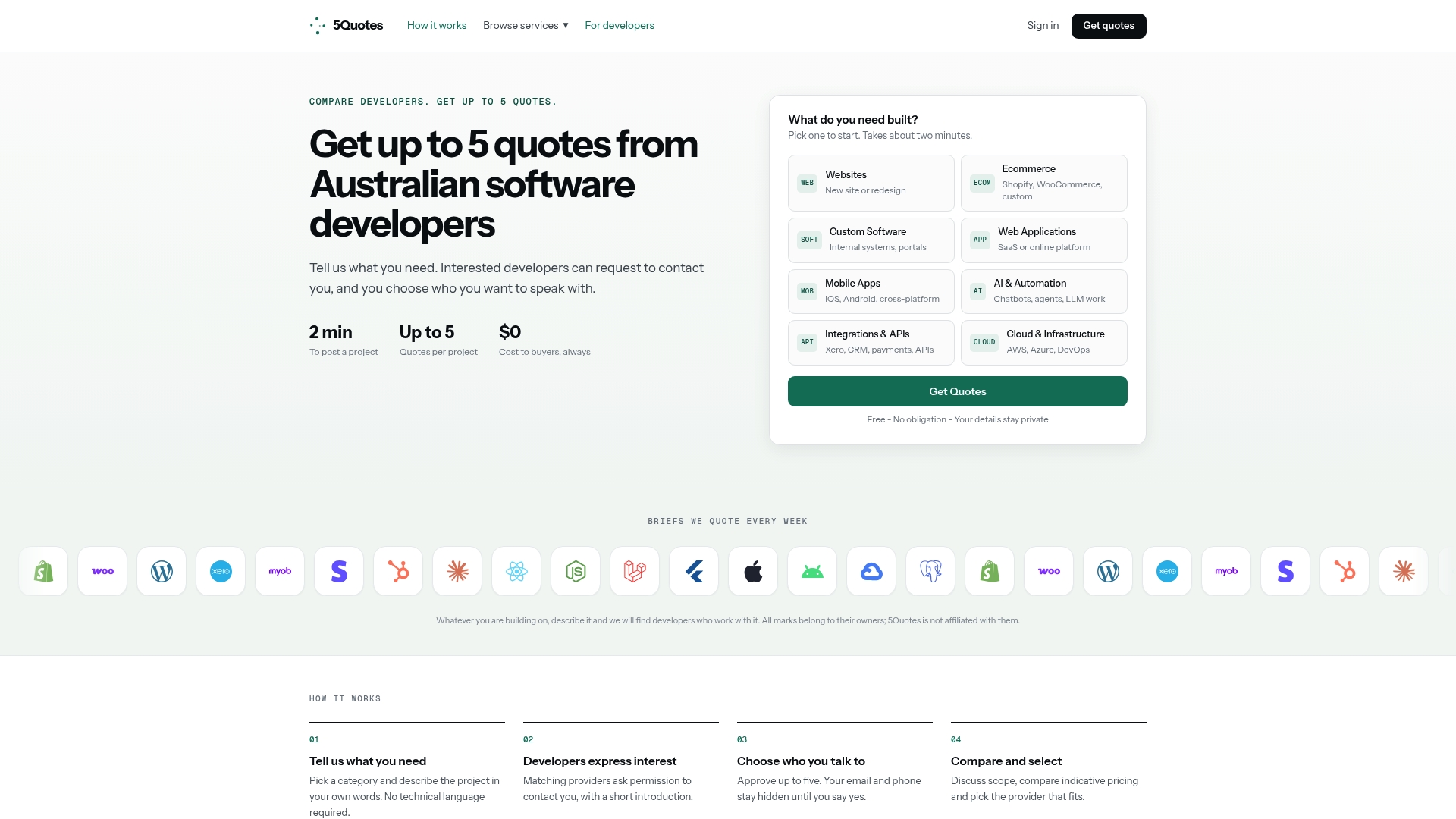
Developers on the platform are vetted to ensure only qualified providers contact potential clients, helping you avoid unsolicited pitches. That matters especially for maintenance work, where the right fit depends on real experience with your tech stack, not just a polished portfolio. Whether you need an initial code-health audit before committing to a retainer, ongoing corrective and preventive maintenance, or a full software modernization project because the audit turned up more than expected, the same process applies: describe the work, compare up to five quotes, and choose the developer who actually understands what you’re asking for.
Head to 5quotes’ services page to post your maintenance project and see what qualified developers quote for your specific situation.
Sources
- What is an SLA? (iCertis contracting basics)
- Scope creep: what it is and how to prevent it (Tempo blog)
- Gigamon support and maintenance agreement
- Free App Developer Maintenance Agreement (2026) | MicroFreelance
FAQ
What should be included in a maintenance contract?
A complete software maintenance contract includes services covered, explicit exclusions, an SLA with severity tiers and response times, fees and payment terms, term and renewal conditions, termination rights, IP ownership, and liability and warranty language.
What are the four types of software maintenance?
The four types are corrective (fixing bugs), adaptive (adjusting to environment changes like OS or API updates), perfective (improving existing features), and preventive (reducing future risk through refactoring and updates).
What is the average cost of software maintenance?
Cost varies widely by pricing model and software complexity, from per-incident billing for stable systems to monthly retainers for actively used products; the right structure depends on how predictable your software’s issues are rather than a single industry-wide figure.
How do I set up a maintenance contract?
Start with a code-health audit to establish a baseline, then draft the core sections (scope, exclusions, SLA, fees, term) using a template suited to your deployment type, and negotiate response times and liability caps before signing. Platforms like 5quotes can connect you with vetted developers to help draft or take on the maintenance work itself.
Recommended
Read next
Getting this built?
Tell us what you need and compare up to 5 quotes from developers who do this work.
Get quotes